Realism isn’t a look—it’s the consistent physics of causes across geometry, light, and camera capture.
Previous · Part 8
Lighting That Sells the Shot: Falloff, Direction, and Material Response
Next · Part 10
Surfaces That Don’t Lie: Prompting Skin, Glass, Fabric, Metal, and Plastic
This builds on Part 8: Lighting That Sells the Shot: Falloff, Direction, and Material Response
Continue with Part 10: Surfaces That Don’t Lie: Prompting Skin, Glass, Fabric, Metal, and Plastic
The difference between “real” and “real enough” is usually restraint.
AI images often fail on perfection, not physics. When you force every edge to be razor-sharp, every highlight to be clean, and every boundary to be mathematically polite, you remove the very imperfections that our brains use as proof of life.
In this part, we’ll weaponize realism’s messy cousins—motion blur, chromatic/optical aberration, haze/atmospheric scattering, and bloom—and learn how to deploy them so they read as camera truth, not post-processing glitter.
Diagram: Unimperfect world leads to Motion blur; Unimperfect world leads to Optical aberration; Unimperfect world leads to Haze / atmospheric scattering; Unimperfect world leads to Bloom / highlight spill; Motion blur leads to Your image reads as captured; Optical aberration leads to Your image reads as captured; Haze / atmospheric scattering leads to Your image reads as captured; Bloom / highlight spill leads to Your image reads as captured.
Diagram: Unimperfect world leads to Motion blur; Unimperfect world leads to Optical aberration; Unimperfect world leads to Haze / atmospheric scattering; Unimperfect world leads to Bloom / highlight spill; Motion blur leads to Your image reads as captured; Optical aberration leads to Your image reads as captured; Haze / atmospheric scattering leads to Your image reads as captured; Bloom / highlight spill leads to Your image reads as captured.
1) Motion blur: the realism signal hiding in movement
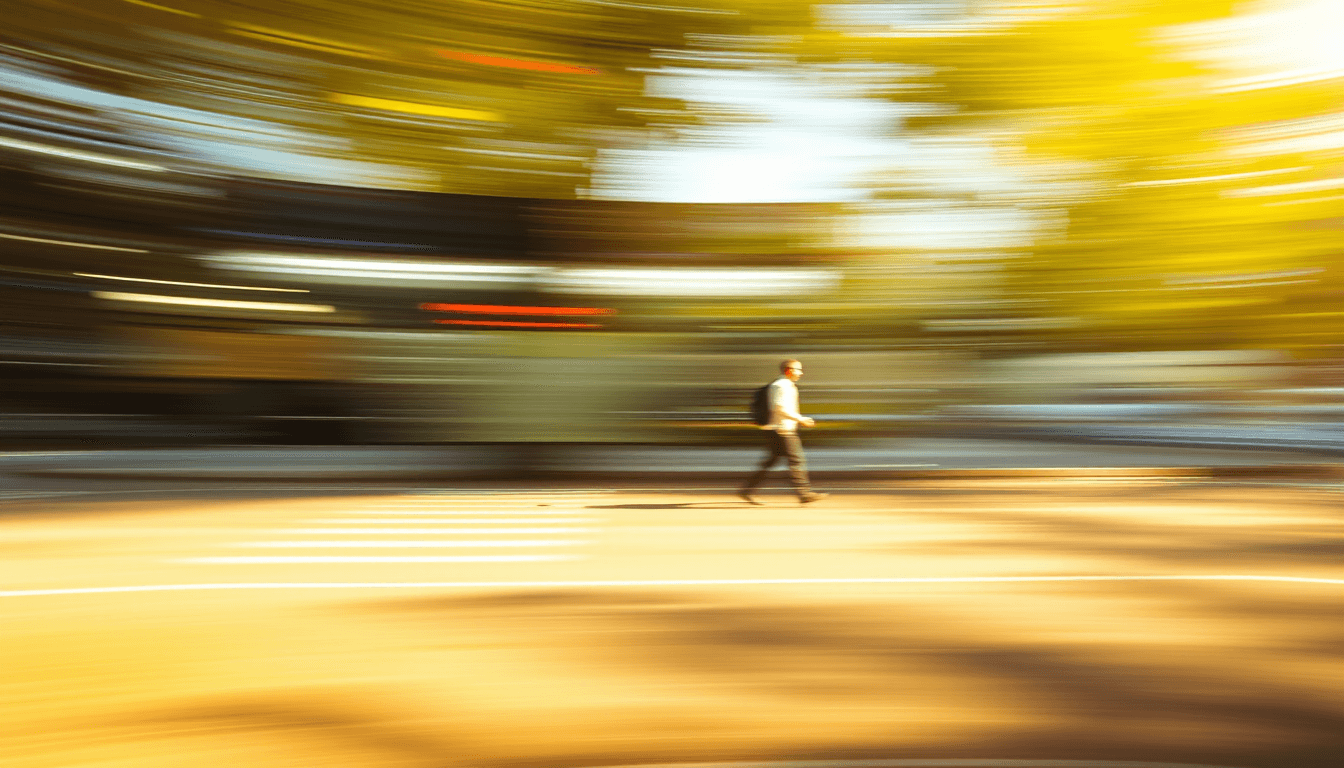
Motion blur isn’t “blur everywhere.” It’s directional blur tied to object motion plus exposure timing plus how fast the camera is moving relative to the subject.
If you overdo it, you get the classic AI tell: a smear that looks like an effect layer rather than a consequence of capture.
What motion blur should look like (in camera terms)
- Directional and speed-dependent
- Stronger on moving objects (wings, hair, passing hands)
- Often stronger in highlights (where edges brighten)
- Slightly different intensity across the subject depending on depth and motion vectors
Prompt cues that tend to work
- “panning,” “handheld,” “subject moving,” “longer shutter”
- “slight smear on moving edges”
- “natural motion blur, not an overlay”
Unlock the full applied series
Get all 15 parts of The Physics of Better AI Images — 92 min read · 18,266 words across the full sequence.
Inside the series
Parts 1-4: Constraints make it real
Parts 5-9: Camera causes, not vibes
Parts 10-12: Surfaces, framing, and truth priority
Parts 13-14: Repair and recipe workflows
Part 15: Master Prompt Sheet
Realism isn’t a look—it’s the consistent physics of causes across geometry, light, and camera capture.
Membership gives access to subscriber dispatches and ongoing Pen & Muse tools. This paid series is sold separately.
If this resonates, see how to apply it to your own work with the interactive Dispatch agent.
Be first to like this dispatch